

Can I Delete Segments or Tags?
Edit in CMSSegments
Section titled “Segments”You can delete or edit most segments in your account if your permission level allows it.
(Content Contributors do not have permissions to delete or edit segments.)
To edit or delete a segment:
-
Go to the Segments tab.
-
Click on the segment you want to edit or delete.
-
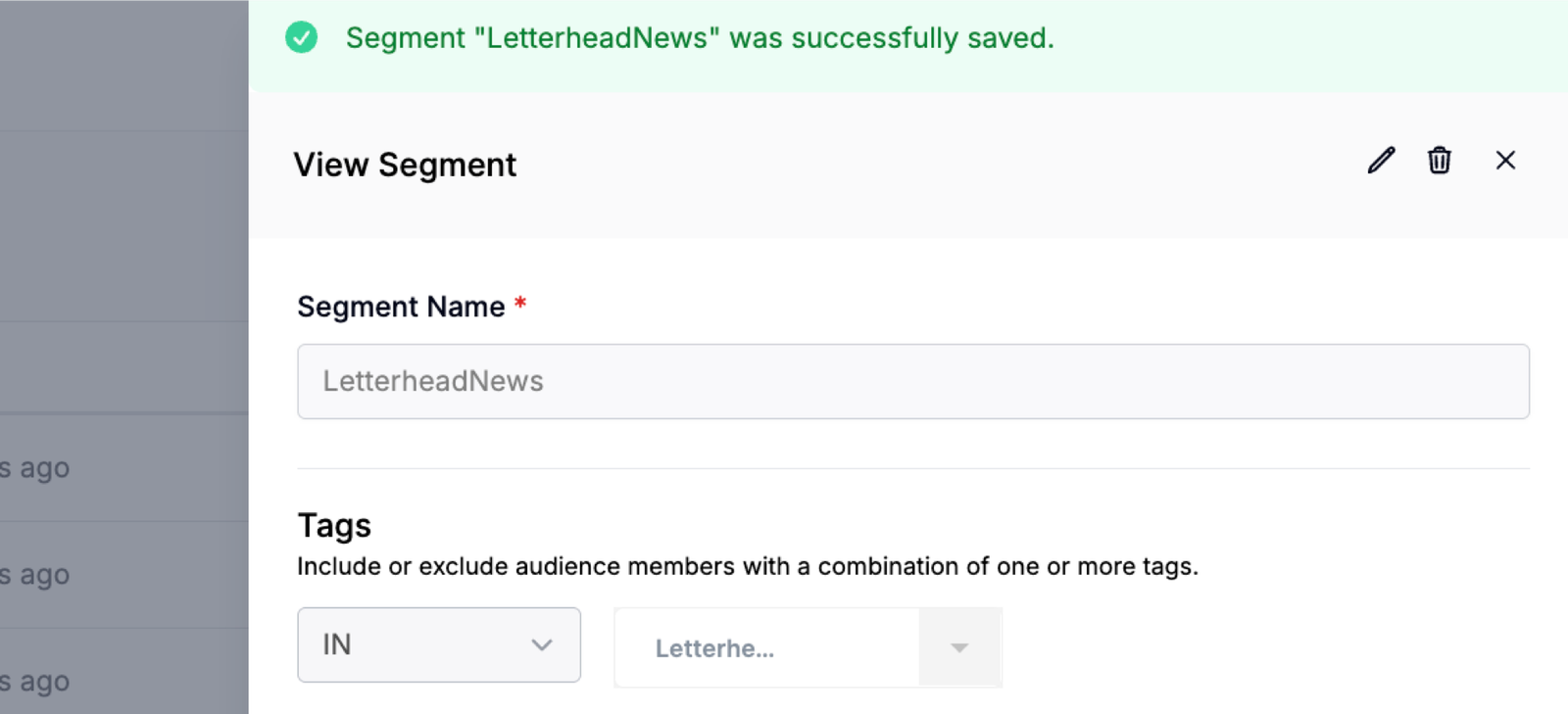
Once inside the segment, use the pencil icon to edit or the trash icon to delete the segment.
Default Segments
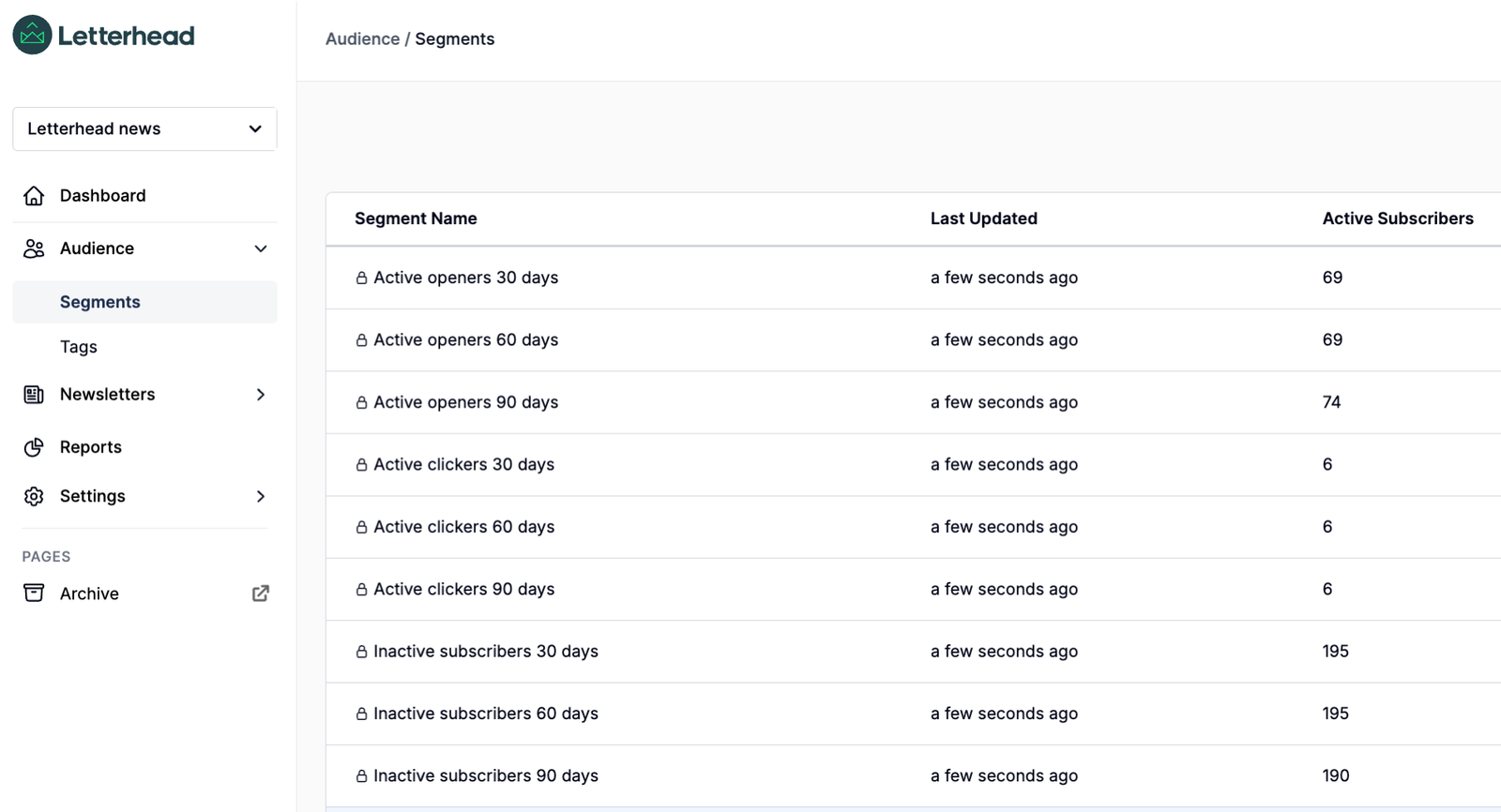
All accounts now include a set of default segments. These are pre-built segments that you cannot edit or delete. They will appear with a lock icon next to them.
The default segments are:
-
Active openers 30 days
-
Active openers 60 days
-
Active openers 90 days
-
Active clickers 30 days
-
Active clickers 60 days
-
Active clickers 90 days
-
Inactive subscribers 30 days
-
Inactive subscribers 60 days
-
Inactive subscribers 90 days
You can delete or edit tags in your account if your permission level allows it.
(Content Contributors do not have permissions to delete or edit segments.)
To edit or delete a tag:
-
Go to the Tags tab.
-
Click on the tag you want to edit or delete.
-
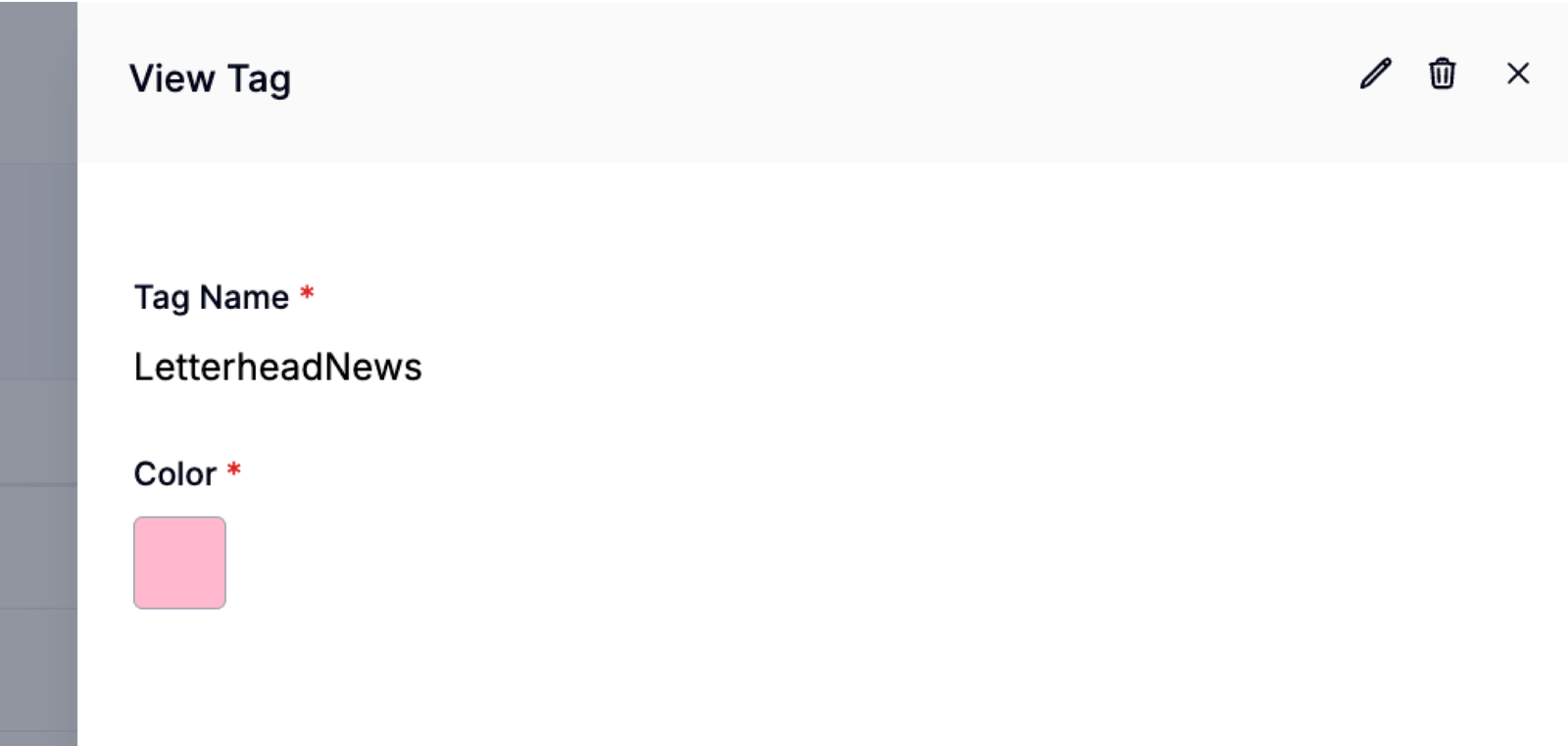
Once inside the tag, use the pencil icon to edit or the trash icon to delete the tag.
______________________________________________________________________________________________
Still can’t find what you need? Contact support.