

How to change font color and style?
Edit in CMSYou can edit the font color and update the font style from the newsletter editor.
-
To edit the font color of the text:
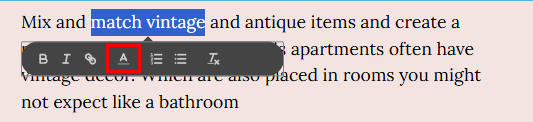
Highlight the text in your newsletter and click on the font color icon to choose a color, or click on Customize color to see more options, this will override your default font color selection
-
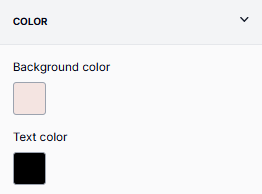
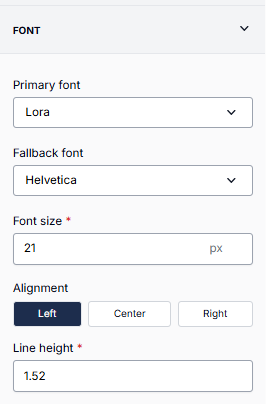
To edit the default font style and default font color:
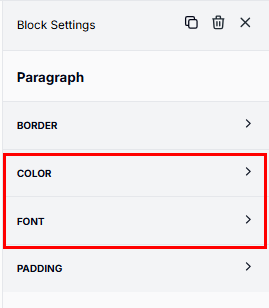
Go to the Paragraph Block Settings on the right side of the screen and click the drop down of Color and Font.
Still can’t find what you need? Contact support.