

How to View or Edit an Audience Member
Edit in CMS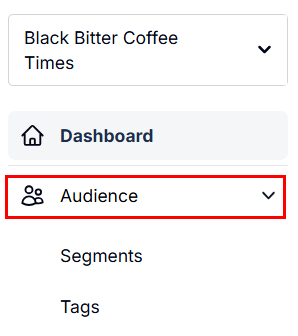
Accessing the Audience Page
Section titled “Accessing the Audience Page”-
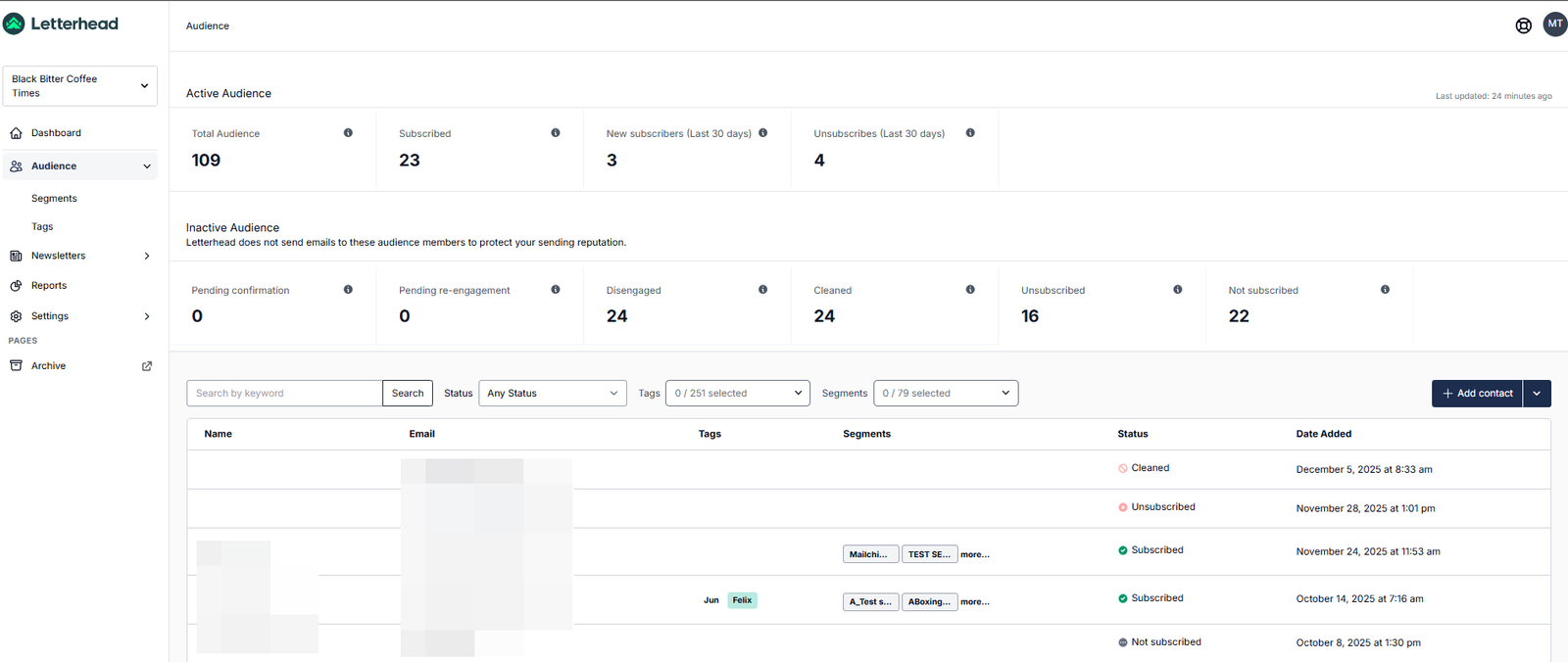
Click Audience in the left-hand navigation panel.
-
Using the Search by keyword field to locate the subscriber.
-
You can also narrow your results by using the Status, Tags, and Segments filters before clicking Search.
Viewing or Editing a Subscriber
Section titled “Viewing or Editing a Subscriber”-
Once you’ve located the subscriber, click the ellipses menu and choose Edit profile to open their profile details.
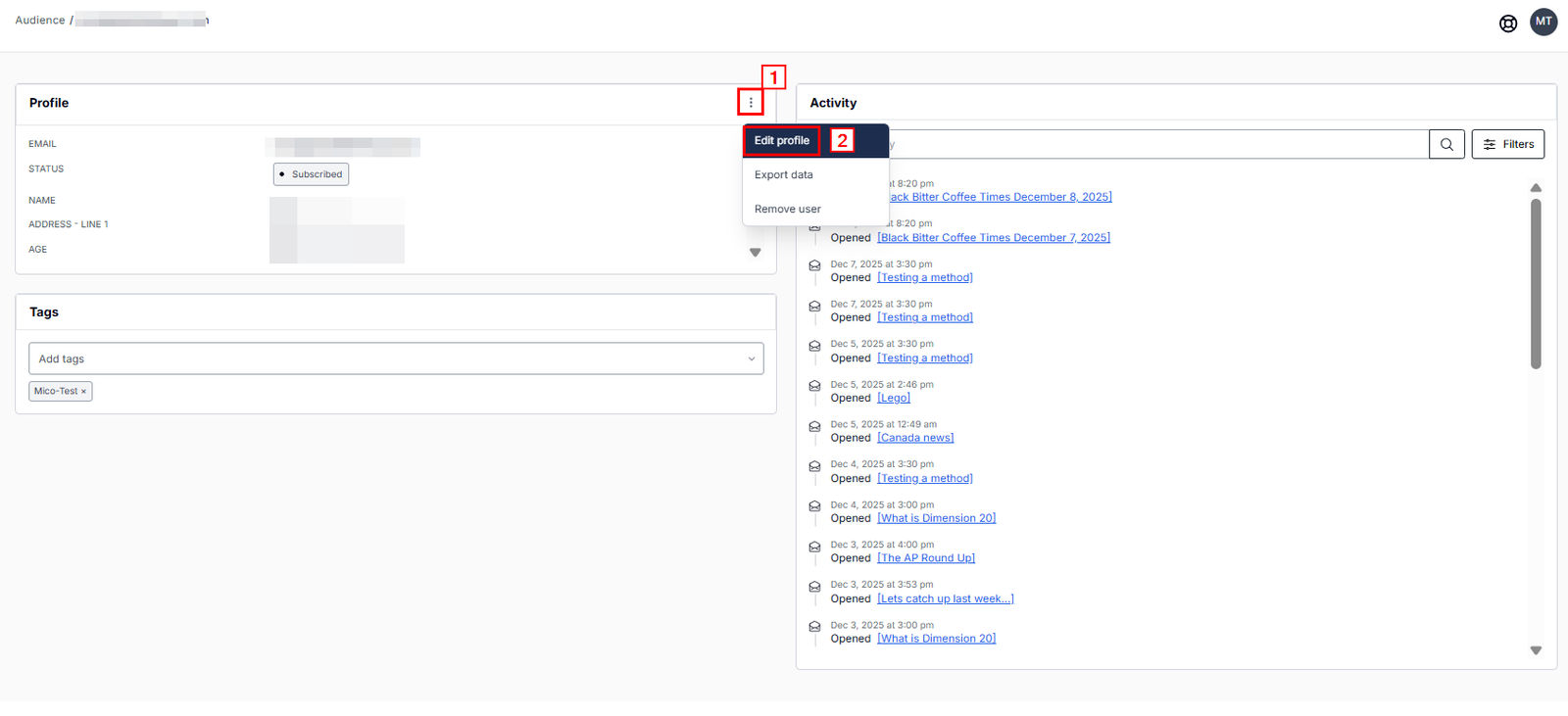
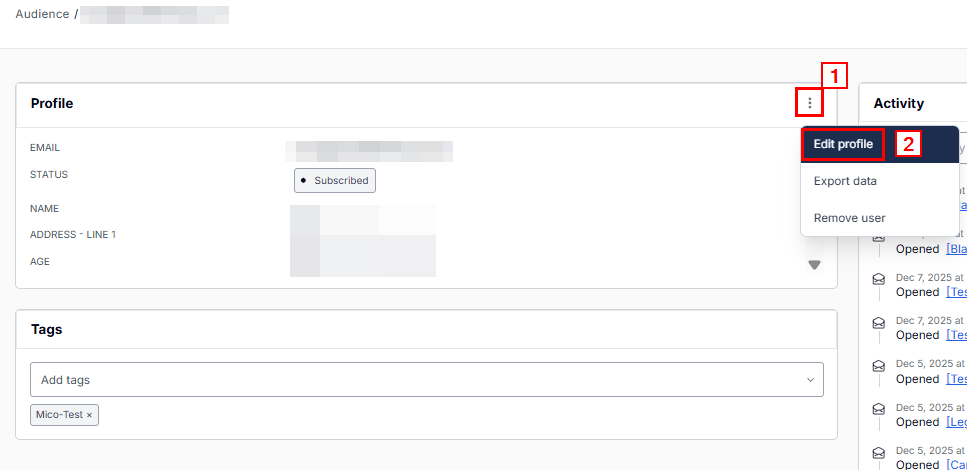
The subscriber’s profile page will open, where you can update their audience status and other profile details. After you have updated all the necessary profile fields, click Save:
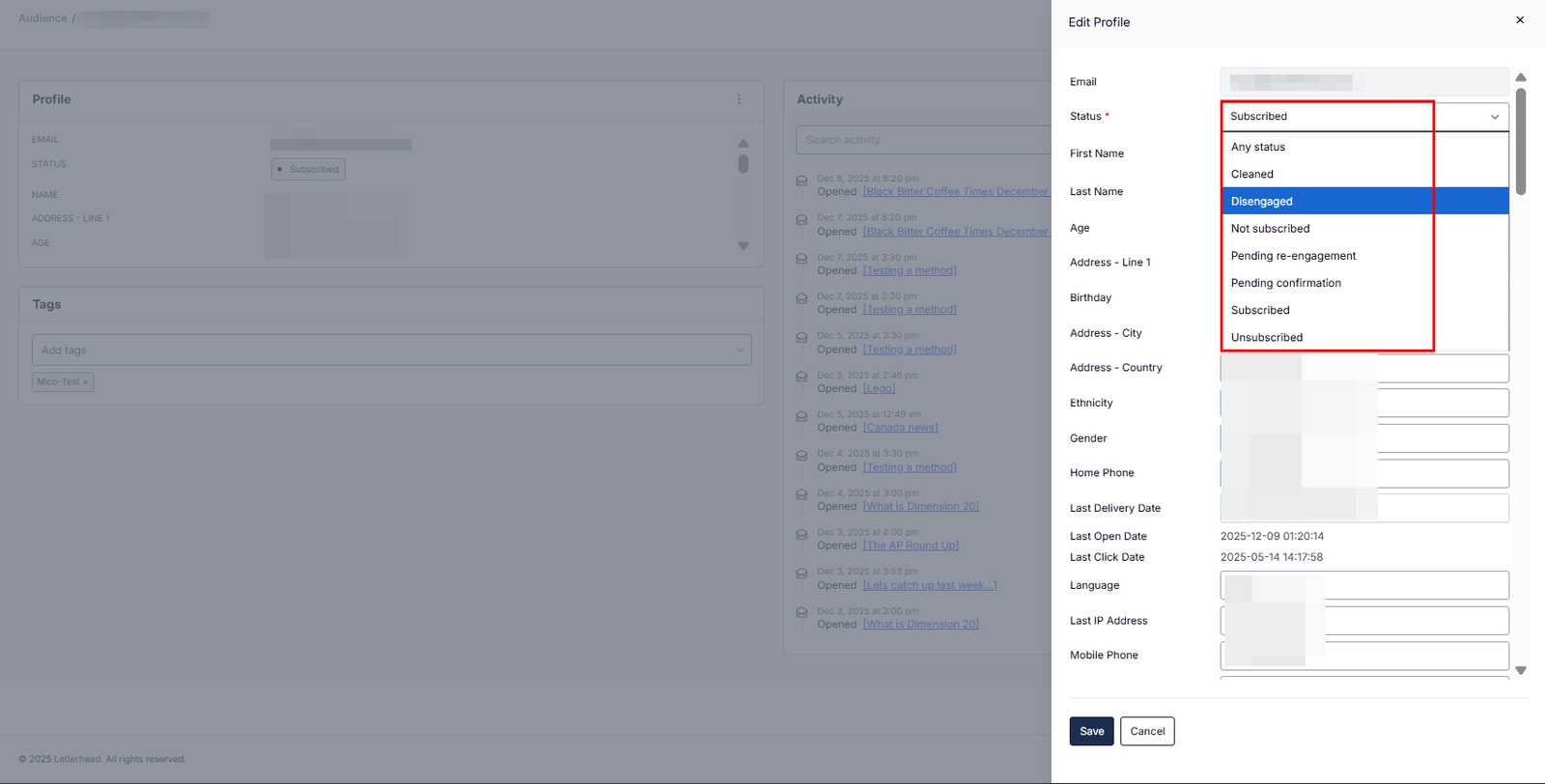
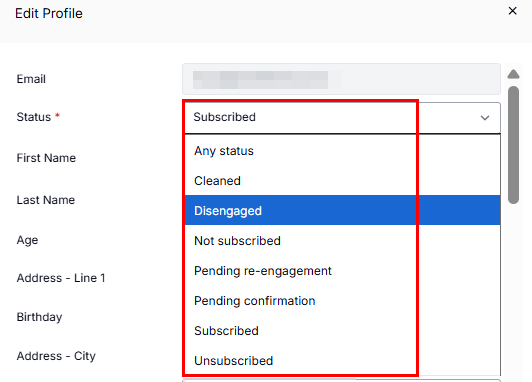
Audience status:
| Status | What it Means | What You Can Do |
|---|---|---|
| Any status | Includes all contacts regardless of subscription status. | Use to search/filter across the entire audience. |
| Cleaned | This contact’s email has bounced or failed delivery too many times. | Cannot be emailed; consider removing or updating their address. |
| Disengaged | The contact hasn’t interacted (e.g., opened or clicked) in a while. | Avoid over-sending; use for re-engagement or pruning. |
| Not Subscribed | This person is in your database but has never opted into marketing messages. | You can’t send them campaigns unless they explicitly subscribe. |
| Pending Re-engagement | They’ve been marked inactive and are part of a re-engagement effort. | Useful for sending win-back or interest-check campaigns. |
| Pending Confirmation | The contact has signed up but hasn’t confirmed their subscription (e.g., via double opt-in). | You can remind or nudge them to confirm. |
| Subscribed | Actively opted-in and eligible to receive messages. | ✅ Safe to send newsletters or campaigns to. |
| Unsubscribed | The contact opted out of receiving future marketing communications. | Do not email unless they resubscribe. |
You can also edit the audience member’s tags:
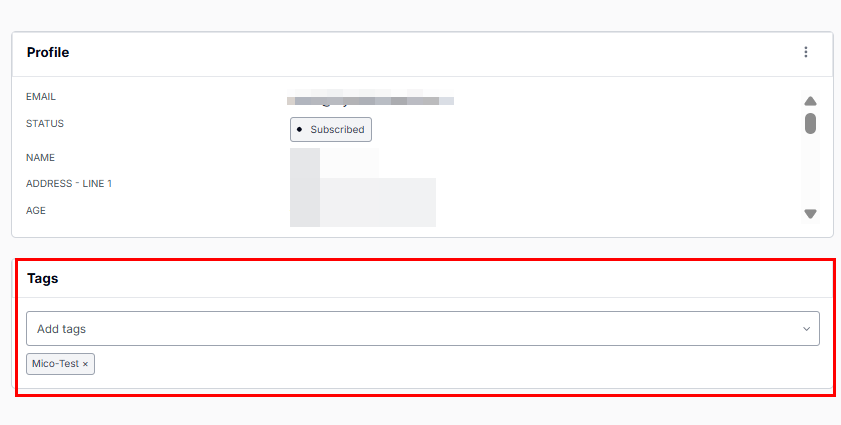
Some profile fields may not be pictured here but can be accessed in the subscriber’s profile.
Why can’t I re-subscribe a “Cleaned” email?
“Cleaned” means the address repeatedly bounced and is marked as undeliverable to protect your sender reputation. These addresses are suppressed automatically. Please reach out to support for assistance.
Can I bulk edit audience members?
Not directly from the subscriber profile view. Bulk edits (like adding tags or changing status) are only possible through imports or automations, this article doesn’t cover those options. Please refer to How Do I Import Subscribers?
Still can’t find what you need? Contact support.