

What Permissions Does the Organization Administrator Have?
Edit in CMSOrganization administrators can manage team members, create and monitor reports, set up integrations, configure sending domains, and oversee all content and audience-related activities across the platform.
They access both Organization-level settings and Channel-level settings for every channel in the account.
What Can They Access?
Section titled “What Can They Access?”Organization Admins have access to both:
-
Organization-Level Settings
-
All Channel-Level Tools
Organization-Level
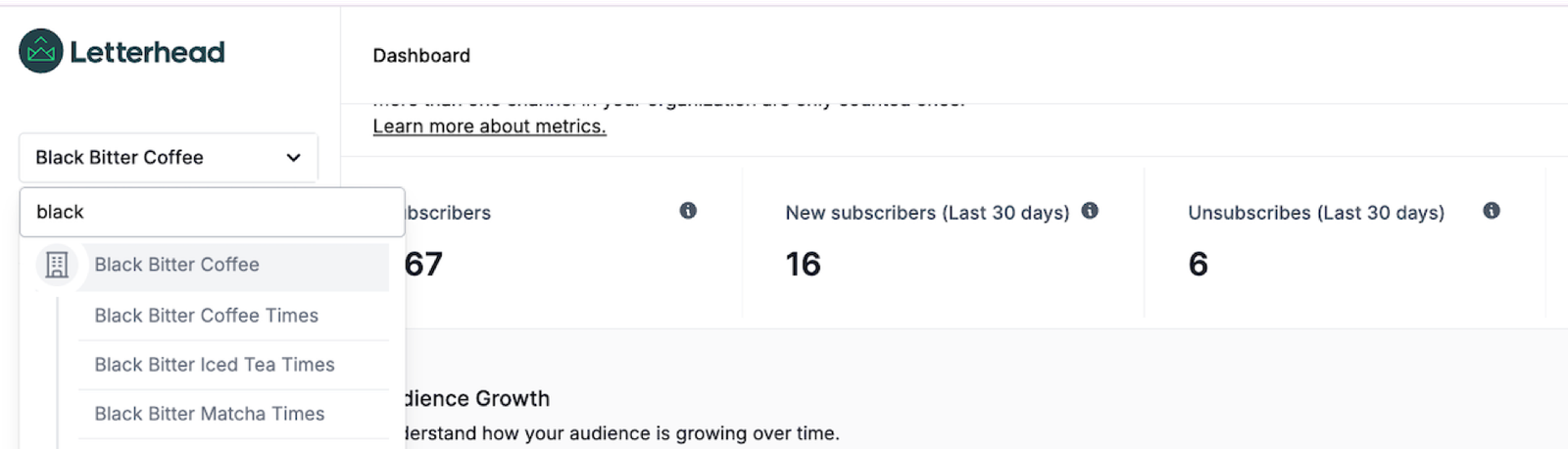
Section titled “Organization-Level”Accessible at the top of the dropdown, this section displays your organization’s name or brand and allows for global configuration and management across all channels.
Dashboard Access
Section titled “Dashboard Access”Shows metrics across all channels for the last 30 days, including both promotion and delivery performance. Metrics can be filtered by channel for a comprehensive view of performance.
Audience Access
Section titled “Audience Access”Admins can view and manage contacts across all channels.
-
Search and filter by Channel and Status
-
Analyze audience performance globally
Promotions Access
Section titled “Promotions Access”Organization Admins can create and manage organization-wide promotions or campaigns that run across multiple channels.
-
Launch new promotions or reuse saved templates
-
Manage and monitor campaign performance across the organization
Reports Access
Section titled “Reports Access”Generate detailed reports covering up to 90 days of performance metrics.
-
Select date range, report type, and delivery method
-
Track growth, engagement, and newsletter performance over time
Organization Settings Access
Section titled “Organization Settings Access”Includes the following sections under the Settings tab at the organization level:
-
API Keys: Search, add, or delete keys for secure integrations
-
Integrations: Add tools like Evvnt or Stripe for event and payment integration
-
Newsletters: Set global newsletter options like Double Opt-In and sending domain
-
Teams: Add, remove, or assign roles to teammates
-
Webhooks: Add or manage webhooks for third-party integrations
Channel-Level
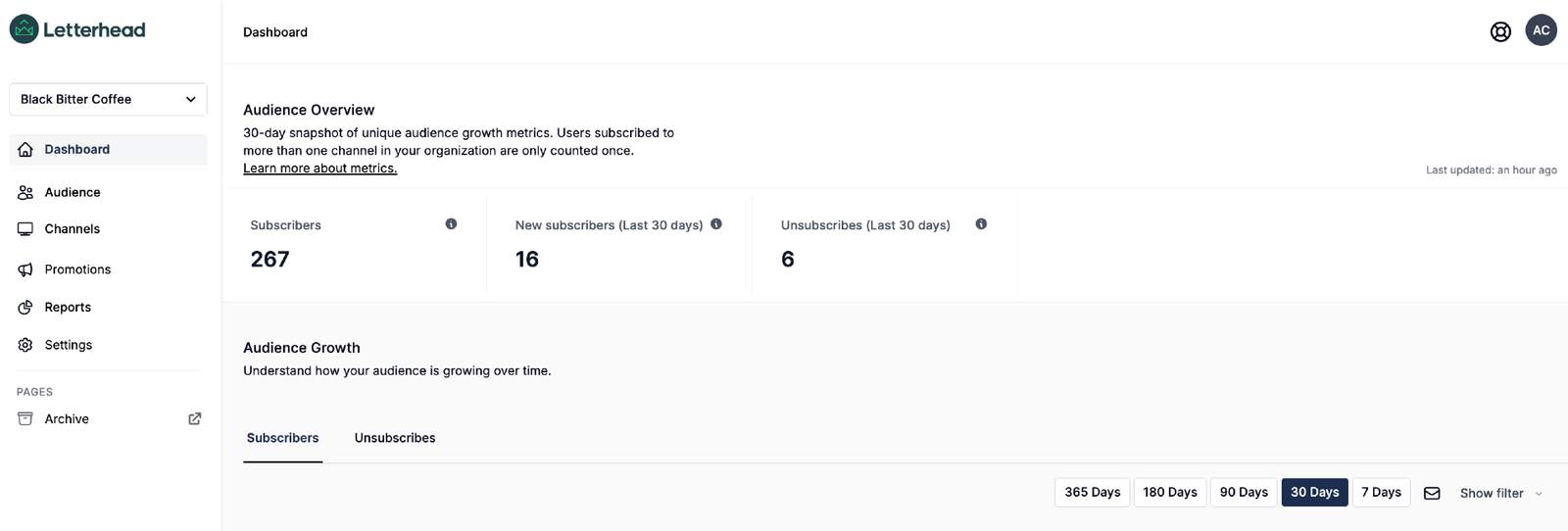
Section titled “Channel-Level”In addition to organization settings, Organization Admins have full access to every channel and their settings.
Dashboard Access
Section titled “Dashboard Access”View channel-specific metrics from the last 30 days, including promotions and delivery.
Audience Access
Section titled “Audience Access”Full access to:
-
Audience (add, delete, modify, import/export contacts)
-
Segments (create and manage)
-
Tags (organize and edit)
Newsletters Access
Section titled “Newsletters Access”Full access to:
-
Newsletters (create from scratch or template, or copy old issues)
-
Automations (set up, edit, and manage delivery rules)
-
Curations (customize newsletter content blocks)
-
Templates (design and reuse newsletter layouts)
Settings Access
Section titled “Settings Access”Full access to:
-
General (channel name, logo, links, timezone, contact info)
-
Sending Emails (sender details, fonts/colors, CSS, archive visibility)
-
Integrations (connect services, embed subscription forms)
Still can’t find what you need? Contact support.